Strava for Treadmill - A Guide to Syncing Indoor Runs

Just because you're running indoors doesn't mean those miles should disappear into thin air. Getting your treadmill runs logged on Strava is actually pretty simple. You can use a watch with a treadmill mode, a Bluetooth-connected smart treadmill, or just enter the activity manually. No matter which route you take, you can make sure every bit of hard work counts toward your training goals.
Why Bother Tracking Treadmill Runs on Strava?
When the weather is awful or life gets in the way, the treadmill is a runner's best friend. But if you don't log those workouts, you end up with massive gaps in your training data. This makes it tough to track your real weekly mileage, see how you're progressing, and get the full picture of your fitness. Using Strava for treadmill runs closes that gap.
Logging every single run helps you maintain a consistent and accurate training history. This is non-negotiable for anyone with a big goal on the horizon. For runners figuring out how to train for a marathon, for instance, every mile is a building block toward race day.
Comparing Your Options
There isn’t a single “right” way to get your treadmill data into Strava. The best method really just depends on the gear you have. Some options are completely automated, while others will take you a few seconds to input after your cooldown.
To help you figure out the best fit, here’s a quick comparison of the most common ways to sync your indoor runs.
Treadmill to Strava Syncing Methods at a Glance
| Sync Method | Required Gear | Key Data Captured | Ease of Use |
|---|---|---|---|
| Smart Treadmill | Bluetooth/ANT+ enabled treadmill, compatible app (e.g., Zwift), or watch | Distance, pace, time, elevation, cadence, heart rate (with sensor) | Very Easy (Automated) |
| GPS Watch/Phone | Running watch (Garmin, COROS, etc.) with a "Treadmill" mode or a phone app | Distance (estimated), pace, time, cadence, heart rate | Easy (One-click sync) |
| Manual Entry | Strava app | Distance, time, elevation (optional) | Simple (Requires manual input) |
As you can see, the path of least resistance is a smart treadmill, but even the most basic manual entry gets the job done.
Before we get into the nitty-gritty of each method, just remember this:
No indoor run has to be a "ghost mile." Whether you're on a high-tech smart treadmill or a simple gym machine, there's a reliable way to get your effort recorded and recognized.
The Smart Way: Automatic Syncing with Connected Treadmills
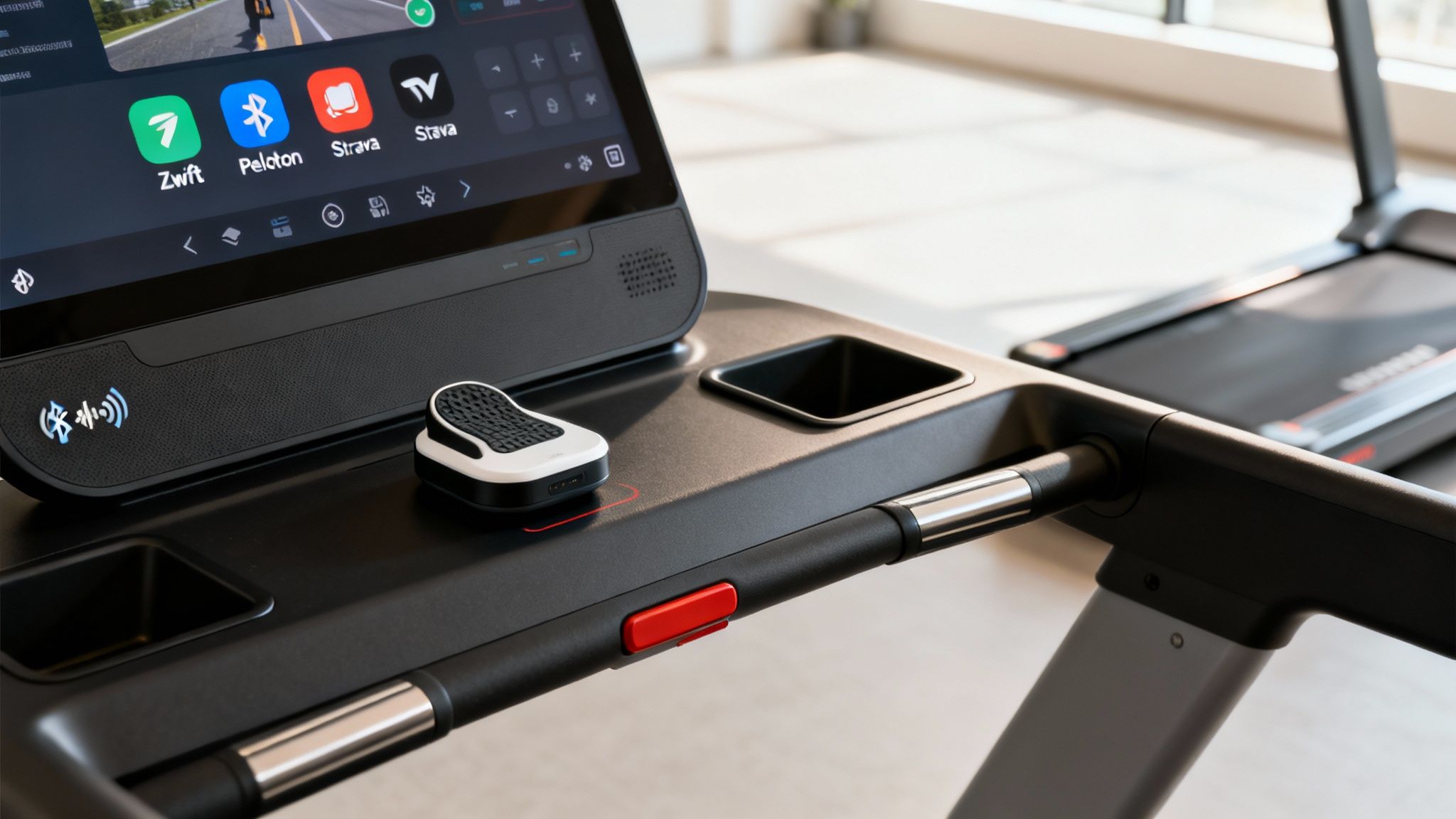
If you're looking for a truly "set it and forget it" experience, nothing comes close to a smart treadmill that talks directly to your fitness apps. It's the most seamless way to log your indoor miles, making sure every drop of sweat is accounted for on your Strava feed—no fumbling with manual entry afterward.
This bit of magic works through Bluetooth or ANT+ connectivity. Most modern treadmills from big names like NordicTrack, ProForm, and Peloton are built to communicate with other devices. While they might not connect directly to Strava, they play nicely with intermediary apps that do the heavy lifting for you.
How The App Ecosystem Works
Think of these third-party apps as a universal translator for your run data. Your treadmill sends out all the important info—belt speed, incline, distance—to an app on your phone or tablet. That app then packages it up and sends it straight to your Strava profile.
A few of the most popular platforms that make this happen are:
- Zwift: Best known for its immersive virtual worlds, Zwift can pull speed and cadence data directly from your treadmill (or a foot pod) and then automatically upload the entire session to Strava when you’re done.
- Peloton: If you own a Peloton Tread, your workouts already sync perfectly with the Peloton App. Just authorize the connection to Strava once, and all your future runs will appear automatically.
- iFIT: This is the platform behind NordicTrack and ProForm machines. Similar to Peloton, once you link your iFIT and Strava accounts, your treadmill workouts will sync over without you having to do a thing.
Treadmill running has become a serious category on Strava. In a recent analysis, the platform found that the average uploaded run was 3.90 miles (6.28 km). This proves just how valuable indoor training is, with 42% of Strava runners hitting a new PR in a major race distance—many of whom credit structured treadmill workouts for their success. You can dig into more of these stats over at RunnersWorld.com.
What If My Treadmill Isn't "Smart"? Use a Foot Pod.
Don't have a connected treadmill? No problem. A foot pod is your next best friend for getting accurate, automatic data. These tiny sensors clip onto your shoelaces and do a surprisingly good job of measuring your running dynamics.
Devices like a Stryd pod or Garmin's Running Dynamics Pod track your movement and broadcast pace and distance data via Bluetooth to your watch or a compatible app. You just pair the pod as a sensor before you start, and your watch records the workout as if it were getting data from the treadmill itself.
When you finish and save the activity, it syncs to Strava just like any other run, neatly tagged as an indoor session. This is an awesome workaround for anyone who uses different machines at the gym or when traveling, giving you consistent and reliable data no matter where you run.
Using Your Watch or Phone for Treadmill Tracking
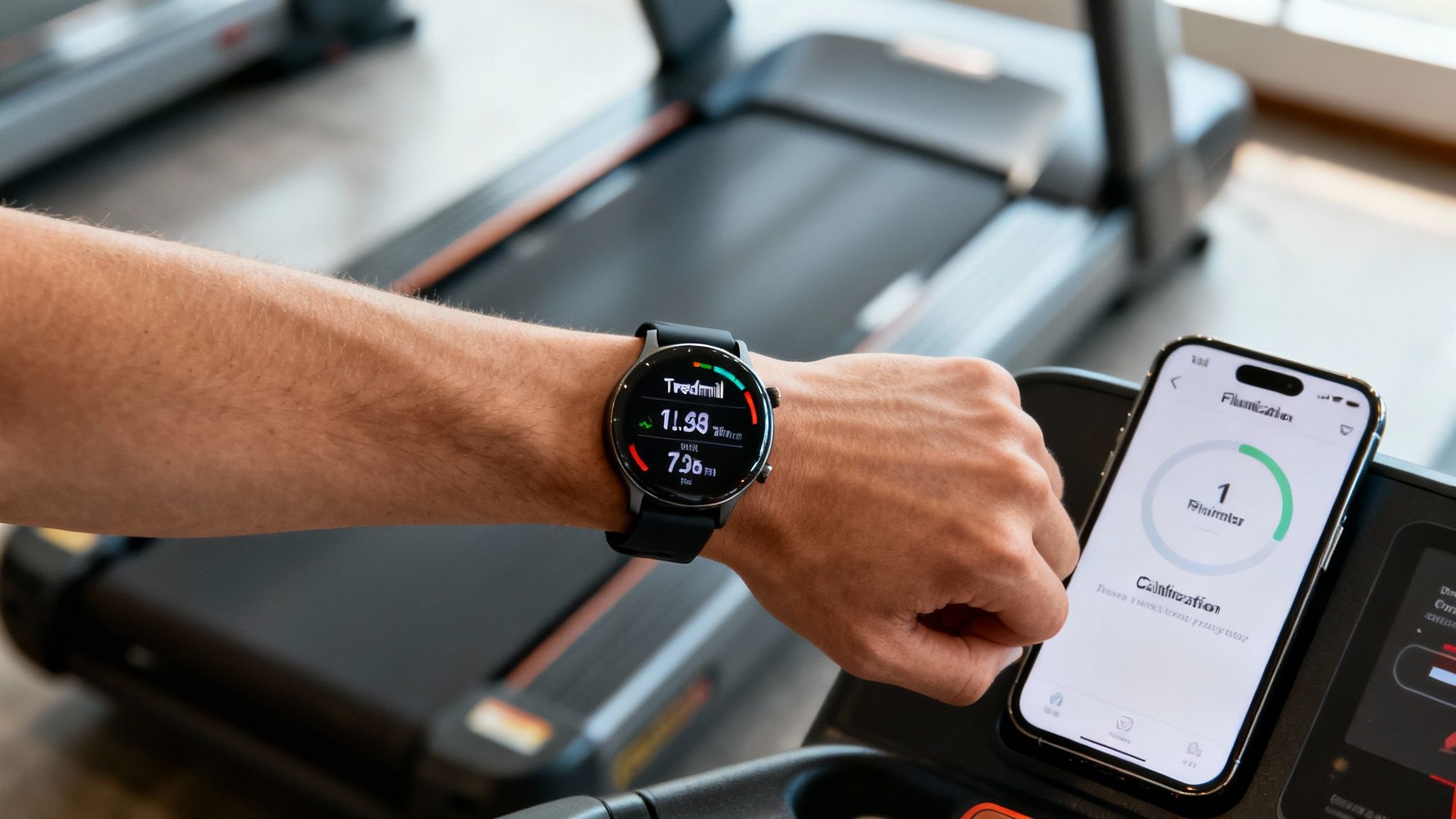
Even if you don't have a fancy "smart" treadmill, chances are you already have a powerful tracking tool on your wrist or in your pocket. Your GPS watch or smartphone is more than capable of logging indoor miles, and honestly, it’s one of the most common ways runners get their treadmill sessions onto Strava.
Most modern running watches from brands like Garmin, Apple, and Coros come with a built-in “Treadmill” or “Indoor Run” mode. When you pick this activity profile, the watch does something clever: it turns off the GPS to save battery and relies on its internal accelerometer instead. This little sensor measures your arm swing to estimate your cadence and stride length, calculating your distance and pace from that motion alone.
Recording with Your Watch
The good news is that the process is refreshingly simple and pretty much the same across all the major watch brands.
Before you hop on the treadmill, just find the indoor running option in your watch's activity list.
- Find Your Activity Profile: On your watch, navigate through the workout options and select "Treadmill" or "Indoor Run."
- Do Your Run: Hit start, and just run. The watch will track your time, heart rate, and estimated pace and distance.
- Save and Sync: When you’re done, hit stop and save the workout. Your watch will automatically sync it to its companion app (like Garmin Connect or the Apple Fitness app), which then pushes it right over to Strava.
It’s a hands-off process that lets you focus on your workout, not the tech.
The Secret to Accuracy: Calibration
Here’s a pro tip that makes a huge difference. Out of the box, your watch is just making an educated guess about your running form. It has no idea what your unique stride looks like, especially as it changes at different speeds. This is why the distance on your watch rarely matches the treadmill console perfectly on your first few runs.
To fix this, most Garmin and Coros watches offer a "Calibrate & Save" option right after you finish an indoor run. When you stop the activity, it will prompt you to manually enter the final distance from the treadmill's screen.
By feeding it the correct number, you’re essentially teaching the watch’s algorithm. It learns your personal biomechanics—how your arm swing relates to your actual distance covered—and gets smarter with every run.
This single step can dramatically improve the accuracy of all your future treadmill sessions.
For anyone following a structured training plan, getting this right is crucial. Accurate data ensures you're hitting your mileage targets, which is vital when you’re building endurance for a race. If you're looking to get faster, every mile matters, and our guide on how to train for a 10k is a great place to start.
Phone-Only Solutions
No watch? No problem. You can still use your smartphone to get the job done. While the native Strava app is built for outdoor, GPS-based recording, other apps can easily fill the void for indoor workouts.
Apps like Wahoo Fitness are great for this. You can record an indoor run using just your phone's built-in sensors. Once you save the workout, the app syncs it directly to your Strava profile. It's a simple and effective way to make sure no run goes unlogged.
Manually Logging Your Runs: The Unsung Hero of Treadmill Training
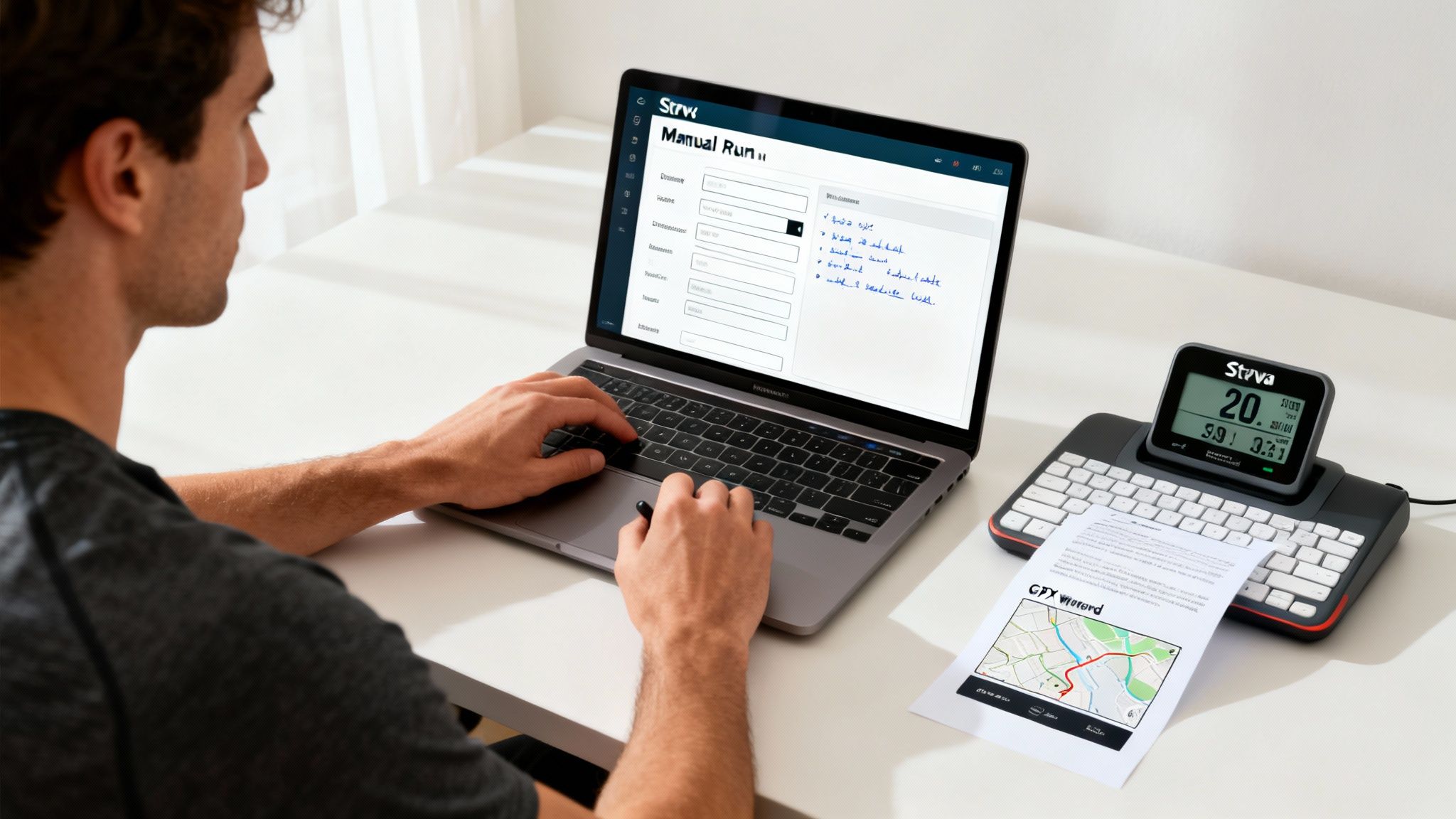
Let's be honest, technology sometimes fails us. A watch dies mid-run, a Bluetooth sync mysteriously fails, or you're stuck on a basic gym treadmill with no smart features. When that happens, manual entry on Strava is your trusty fallback. It’s the simplest way to make sure that no workout gets left behind.
But just logging the distance and time sells your effort short. With a little extra detail, you can turn a basic log into a genuinely useful piece of your training history.
Even indoor workouts get a huge social boost on Strava. In a single year, users gave out 14 billion kudos, a 20% jump from the year before. And get this—activities with photos got three times more kudos. It just goes to show that even a solitary treadmill session can become a celebrated part of your fitness story. You can dig into more of these stats over at Athletechnews.com.
Making a Manual Entry Mean Something
Don’t just dump the numbers and click "Save." The description box is your best friend here. Use it to add context that will be invaluable to you (and your coach) down the line.
- Describe the Workout: Was it a steady tempo run? An interval session like 6x800m with 400m recovery jogs? Or just an easy recovery day? Jot it down.
- Rate Your Effort: A quick note on how you felt is huge. I like to use an RPE (Rate of Perceived Effort) scale from 1-10 to capture the run's difficulty at a glance.
- Note the Incline: If you were grinding out a hill workout, mention the incline percentages. This context helps explain why your heart rate might have been sky-high even at a slower pace.
These small details transform a generic entry into a rich data point. It’s this kind of information that helps you spot trends and see real progress, especially when you're working toward a specific goal, like locking in a consistent 10 minute mile.
Want a Map for Your Indoor Run? Here's How
The one thing a treadmill run always lacks is that satisfying GPS map. But whether you're doing a virtual race or just want a cool visual for your training log, there's a clever workaround. By creating and importing a GPX file—which is just a standard GPS data format—you can add a map to any indoor run.
Here’s my go-to process for making it happen:
First, hop on a free online tool like Google Maps or even Strava's own route builder. Plot an outdoor route that matches the exact distance you ran on the treadmill.
Next, you'll need to export that route as a GPX file. Plenty of free websites can convert a map you've drawn into this format.
Then, head over to the Strava website (this part doesn't work on the mobile app). Find the Upload Activity button and choose the "File" option. Upload the GPX file you just created.
Finally, once it's uploaded, you'll need to edit the details. Change the activity type to "Run" and then manually input the correct time, title, and description from your actual treadmill workout.
And that's it! You now have a visual map that represents your hard work. It's a fantastic trick for sharing your indoor miles or even creating a custom race poster that celebrates the grind you put in, even when you couldn't get outside.
Troubleshooting Common Treadmill Syncing Issues
Even with the best tech, getting a treadmill run to sync with Strava can sometimes feel like a workout in itself. We've all been there: a failed upload from Garmin Connect, a phantom duplicate clogging your feed, or just a stubborn activity that refuses to appear. It's frustrating, but don't sweat it—most of these glitches have surprisingly simple fixes.
The trick is to be methodical. More often than not, the problem isn't with Strava itself. Instead, it’s usually a hiccup in the connection between your watch, a third-party app like Zwift, and Strava's servers. A simple permission setting or a brief server delay can be enough to stop your workout from showing up.
The Classic Problem: My Run Isn't Showing Up!
You crushed a tough interval session, hit "save" on your watch, and... nothing. It never appears on your Strava profile. This is hands-down the most common issue for anyone trying to log Strava for treadmill workouts. Before you start to worry, run through this quick mental checklist.
- Check Your Connections: First things first, pop open your primary app (like Garmin Connect, Coros, or Polar Flow) and make sure it’s still properly linked to Strava. These connections can sometimes expire and just need a quick re-authorization to get things talking again.
- Is Strava Down? It's rare, but it happens. A quick look at the official Strava Status page will tell you if they're dealing with service interruptions that might be delaying uploads for everyone.
- Give It a Nudge: Most companion apps for watches have a "manual sync" option. Find it and give it a tap. This can often force a stuck activity through the system.
If you've tried all that and still see nothing, disconnecting and then reconnecting the app from your Strava account settings is the next best step. This simple "turn it off and on again" approach often resets the connection and clears up whatever was causing the communication breakdown.
When Your Watch and the Treadmill Disagree on Distance
Another familiar headache is finishing a run only to see a huge difference between the distance on your watch and the distance on the treadmill display. This happens because your watch’s internal accelerometer is essentially guessing your distance based on your arm swing, which is never going to be perfectly accurate indoors.
The best way to handle this is to use the "Calibrate & Save" feature on your watch the moment you finish your run. This feature lets you manually enter the distance from the treadmill, which helps teach your watch's algorithm to be more accurate on future indoor runs.
A word of warning: if your activity has already synced to Strava with the wrong distance, you're a bit stuck. Strava currently doesn't let you edit the distance of an activity once it's uploaded. It's a frustrating limitation, especially for those of us tracking shoe mileage, but recalibrating for your next run is the best way to prevent it.
The treadmill is a fantastic tool for the kind of precise training that leads to new personal bests. Strava's own data highlights this, showing that a whopping 66% of runners and cyclists hit new PRs on segments. You can dig into more of these running trends and statistics to see how people are pushing their limits.
Help! I'm Seeing Double Activities
Every once in a while, you might see two identical treadmill runs pop up in your feed. This almost always happens when you have multiple services connected to Strava that are both trying to upload the same workout. For example, you might have used Zwift for your run, which syncs to Strava, but your Garmin watch also recorded it and pushed it to Strava via Garmin Connect.
Thankfully, the fix is easy. Just hop into your Strava feed on your phone or computer and manually delete one of the duplicates.
To keep it from happening again, take a minute to review your connected apps in Strava’s settings. Decide which app should be the primary source for your indoor runs and consider disabling the automatic sync on the others to avoid the confusion.
Got Questions About Treadmill Runs and Strava? We've Got Answers.
When you start logging indoor miles, a few common questions always seem to surface. Getting your treadmill runs to show up perfectly on Strava can be a little confusing at first, but don't worry—the solutions are usually pretty simple. Let's walk through the most common questions I hear from runners.
Can Strava Connect Directly to My Treadmill?
This is the big one, and the short answer is no, not really. The Strava mobile app is built to use your phone's GPS for outdoor runs, so it can't directly pair with a treadmill's Bluetooth sensors for speed and distance.
But that doesn't mean you're out of luck. You just need a middleman to bridge the gap. The most common and effective ways to do this are:
- A GPS Watch: This is the go-to for most runners. Your Garmin, Coros, or other running watch connects to the treadmill (or a separate foot pod) to grab the data, and then it seamlessly syncs the finished workout over to Strava.
- A Third-Party App: Apps like Zwift or Peloton are designed to integrate with smart treadmills. They record your session in detail and then automatically push it to your Strava profile for you.
Think of your watch or one of these apps as the translator that gets your treadmill's data speaking Strava's language.
My Watch and Treadmill Distances Don't Match. Which One is Right?
It’s the classic indoor running dilemma. You grind out a five-miler on the treadmill, look down at your wrist, and your watch proudly displays 4.7 miles. So, who’s telling the truth?
In nearly every case, you should trust the treadmill's distance reading. It's the most accurate benchmark for that specific run.
Your watch is essentially guessing. When you're indoors without GPS, it uses an internal accelerometer to measure your arm swing and estimate your distance. This method is notoriously inconsistent. The treadmill, on the other hand, knows exactly how many times its belt has turned over. It's measuring real, mechanical distance.
Always treat the treadmill console as your source of truth. This is exactly why the "Treadmill Calibration" feature on most running watches is so critical—it lets you correct the distance post-run, which helps teach your watch to be more accurate for the next session.
Is There a Way to Add a Map to My Treadmill Run?
By default, any run recorded without GPS will show up map-less on Strava, which makes sense. But what if you're doing a virtual race or just want a cool visual to represent your hard work? Thankfully, there's a creative workaround.
You can create a route using a mapping tool and upload it to Strava as a GPX file. Here’s how I do it:
- First, use a route planner like Strava’s Routebuilder or even Google Maps to draw a route that matches the distance you ran. For a 5-mile treadmill run, create a 5-mile route.
- Next, export that route as a GPX file.
- Head over to the Strava website (you have to do this on a computer, not the mobile app) and click Upload Activity in the top right, then select File.
- Upload your GPX file. Once it's up, you can edit the activity details to match your actual time, heart rate, and any other notes from your workout.
It takes an extra minute, but it gives your indoor effort a tangible map—perfect for sharing or just keeping your feed looking sharp.
Do Treadmill Runs Count for Strava Challenges?
Yes, they absolutely do! For almost all of Strava's challenges, your indoor miles are just as valid as your outdoor ones. As long as your workout is correctly tagged as a "Run," it will contribute toward goals like:
- Monthly distance challenges (e.g., the "Run 50k in November" type)
- Time-based challenges
- Climbing challenges (if you remember to manually add the elevation you climbed)
The only things treadmill runs won't count for are segment-based challenges like Local Legends, simply because there's no GPS data for Strava to analyze. So go ahead and chase down those monthly goals, whether you're on the road or on the belt.
Your hard work on the treadmill deserves to be celebrated. At RoutePrinter, we turn your greatest running achievements into beautiful, minimalist art. Whether you conquered a marathon or hit a new PR in a virtual race, you can create a personalized poster that captures the route, your time, and your story. Turn your miles into a masterpiece.